The QWERTY Sabotage: Our Keyboards Were Literally Designed to Slow Us Down
Look at the top row of letters on your keyboard. Q-W-E-R-T-Y. It is a sequence you have memorized with your fingers, a map burned into your muscle memory through millions of keystrokes. It feels natural. It feels inevitable.
But ask yourself a simple question. Why are these letters here? Why is ‘A’, one of the most common letters in English, relegated to your weak left pinky finger? Why is ‘E’ not on the home row?
The uncomfortable truth is that you are interacting with a fossil. The device you use to communicate with the speed of light, your smartphone, your laptop, your tablet, is shackled to a design decision made in 1873 Wisconsin. And contrary to popular belief, it wasn’t designed to help you type faster. It was arguably designed to slow you down.
The Jam That Changed the World (1873)
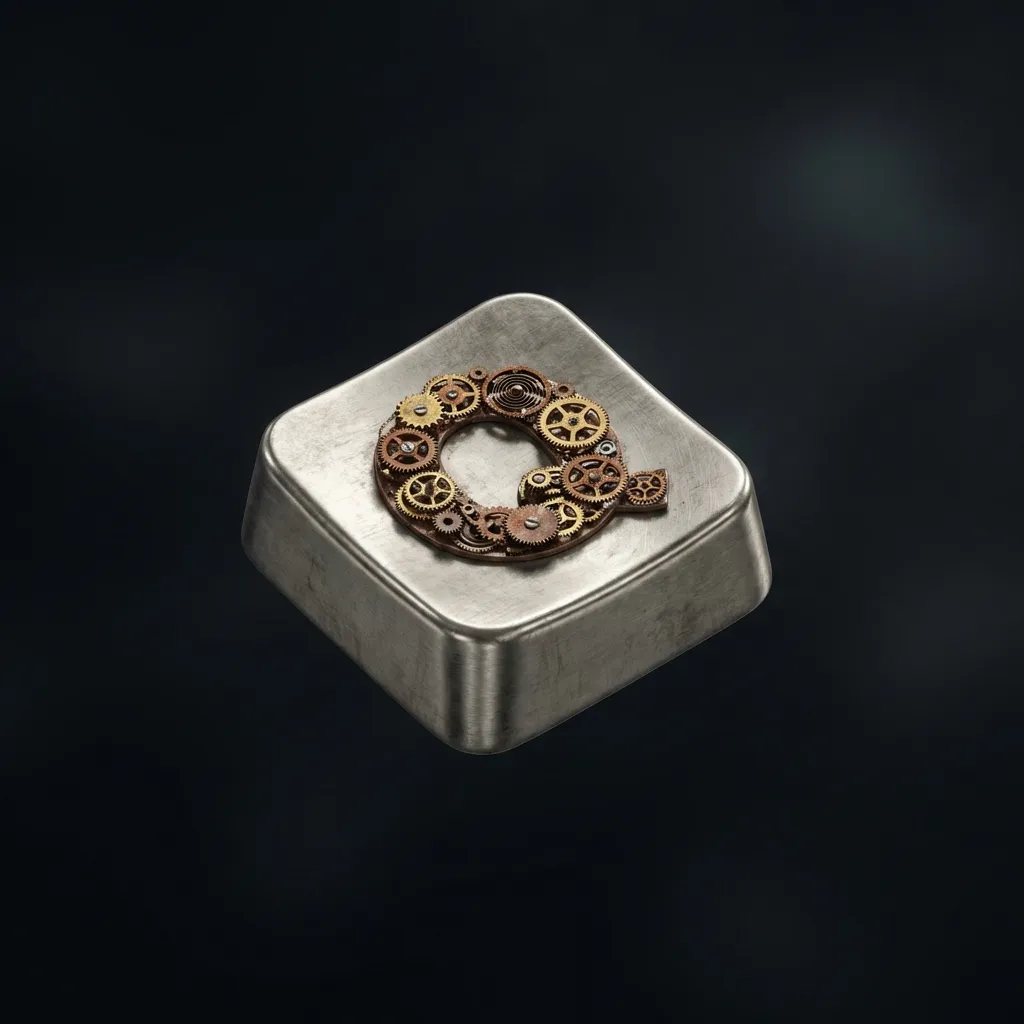
The QWERTY layout was created in 1873 to prevent mechanical typebars from jamming by separating frequently paired letters like ‘S’ and ‘T’.
To understand the keyboard, you have to understand the machine it was built for. In the late 1860s, Christopher Latham Sholes was inventing the first commercially successful typewriter. His early prototypes looked nothing like modern machines. In fact, his first keyboard looked like a piano, with two rows of keys arranged in alphabetical order.
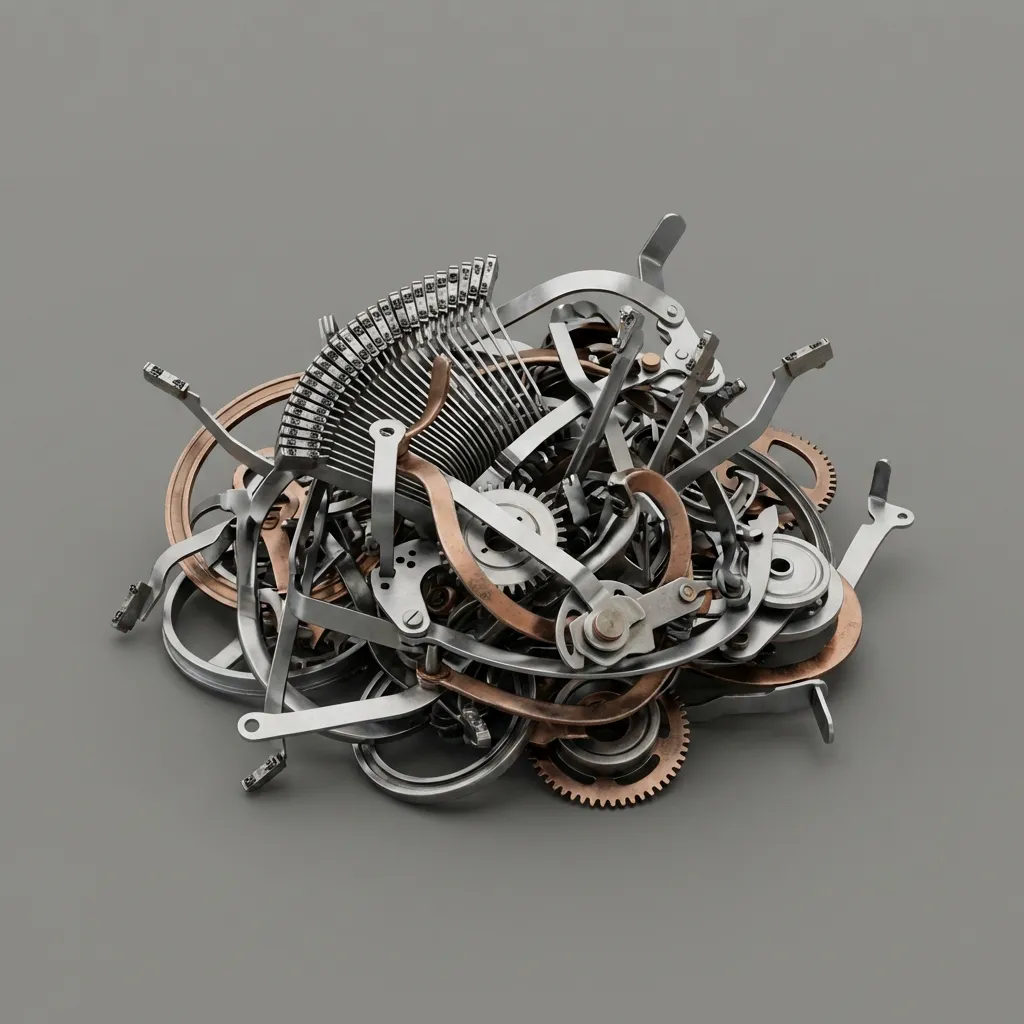
There was a catastrophic flaw. The typewriter worked by swinging metal arms (typebars) up to hit an inked ribbon against the paper. When a typist hit two keys that were located next to each other in rapid succession, the metal arms would collide and jam. The machine would freeze, and the typist would have to stop and untangle the mess.
The alphabetical layout was a disaster because many common pairs (like S-T or T-H) were physically close to each other. Speed was the enemy of the machine.
So, Sholes brought in a business associate, James Densmore. They analyzed letter pairings in English and began moving the keys around. Their goal wasn’t ergonomic efficiency for the human; it was mechanical breathing room for the machine. They deliberately separated the most common letter pairs (digraphs) so that the typebars would come from opposite sides of the basket, preventing collisions.
QWERTY wasn’t an optimization of human motion. It was a patch for a hardware bug.
The Left-Hand Sabotage
Because mechanists wanted to alternate hand strokes to give the machine time to reset, QWERTY intentionally overloads the left hand and underutilizes the stronger right hand.
The result of this mechanical tinkering is a layout that makes zero sense for human anatomy.
Consider the “Home Row,” the middle row where your fingers naturally rest (A-S-D-F-J-K-L). In a perfect world, the most common letters would live here. They don’t. In fact, less than 32% of typing happens on the home row in QWERTY. You are constantly reaching up or curling down.
Even worse is the hand imbalance. Because Sholes wanted to encourage alternating hand strikes (left-right-left-right) to avoid jams, he scattered the vowels. But he did it unevenly. The QWERTY layout forces the left hand to perform roughly 56% of the work.
This means the weaker hand for the vast majority of the population (the left) is doing the heavy lifting. Meanwhile, the right hand, typically stronger and closer to most people’s dominant side, gets a break. Your left pinky alone is responsible for ‘A’ (the 3rd most common letter). It is ergonomic malpractice.
The Dvorak Rejection
August Dvorak proved his layout was 20-40% faster and reduced finger travel by miles per day, but it failed because typists refused to relearn their muscle memory.
We didn’t have to live this way. In the 1930s, Dr. August Dvorak, a professor of education, decided to apply science to the keyboard. He studied English physiology and frequency. He created the Dvorak Simplified Keyboard.
His design was radical. He put all the vowels (A, O, E, U, I) on the left home row and the most common consonants (D, H, T, N, S) on the right home row.
The difference was staggering. On Dvorak, 70% of typing happens on the home row (vs 32% on QWERTY). He balanced the hand load to a near-perfect 50/50 split. Studies showed that in an eight-hour day of typing, a QWERTY typist’s fingers travel roughly 16 miles. A Dvorak typist’s fingers travel just 1 mile.
The Navy ran tests in the 1940s suggesting Dvorak typists were faster and learned quicker. It seemed like the obvious evolution. But it flopped. Why?
Because humans are not machines. By the 1930s, millions of secretaries had already learned QWERTY. Manufacturers like Remington didn’t want to retool factories. Employers didn’t want to pay for retraining. The superior technology lost to the established habit.
The Economic Trap (Why We Can’t Switch)
We are stuck with QWERTY not because it is good, but because the “switching cost” of retraining billions of humans is higher than the efficiency gained by changing it.
This phenomenon is what economists call “Path Dependence” or “Lock-in.” It is the idea that the cost of switching to a better system eventually outweighs the benefits of the system itself.
We are now several generations deep into QWERTY lock-in. When the computer arrived, it didn’t need mechanical typebars. It didn’t need to prevent jams. It could have used any layout. But the first computer keyboards were sold to… people who typed. So they copied the typewriter.
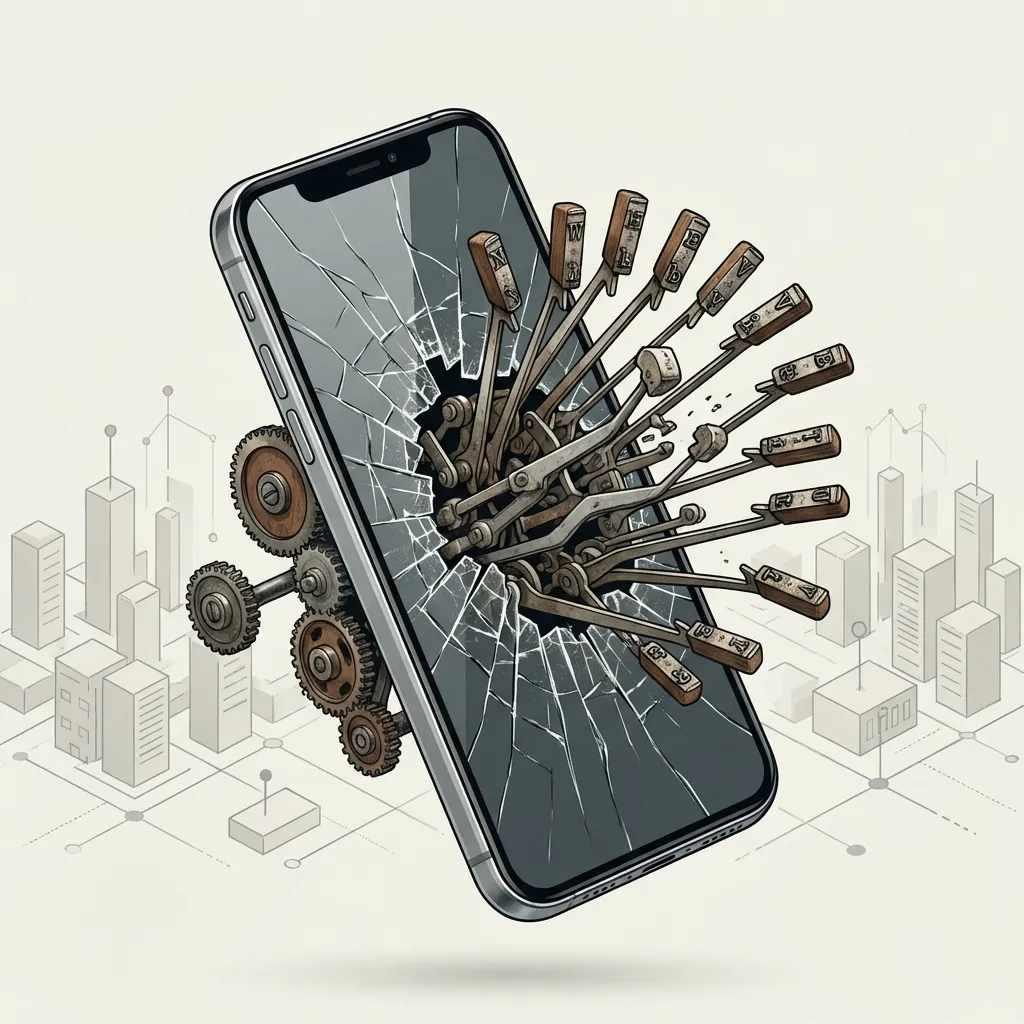
Then came the smartphone. A glass screen has no typebars. It has no physical constraints. Yet, open your iPhone or Android right now. There it is. Q-W-E-R-T-Y.
We are now teaching AI to type, conducting business in VR, and sending messages to Mars, all using an interface designed to accommodate the friction of a 19th-century metal lever. We are trapped in a cage that kept us safe from a tiger that died 150 years ago.